
Port Congestion API
Real-time congestion status of port
Get a real-time status of Port Congestion worldwide. Filter Port Congestion per Vessel Type and characteristics and compare Port Congestion Status with average port congestion. Our API allows you to optimize your voyage planning based on comprehensive port data.
{
"port_code": "NLRTM",
"current_congestion": 65,
"average_congestion": 50,
"vessel_type_congestion": {
"container": 80,
"tanker": 45,
"roro": 30
}
}
"port_code": "NLRTM",
"current_congestion": 65,
"average_congestion": 50,
"vessel_type_congestion": {
"container": 80,
"tanker": 45,
"roro": 30
}
}
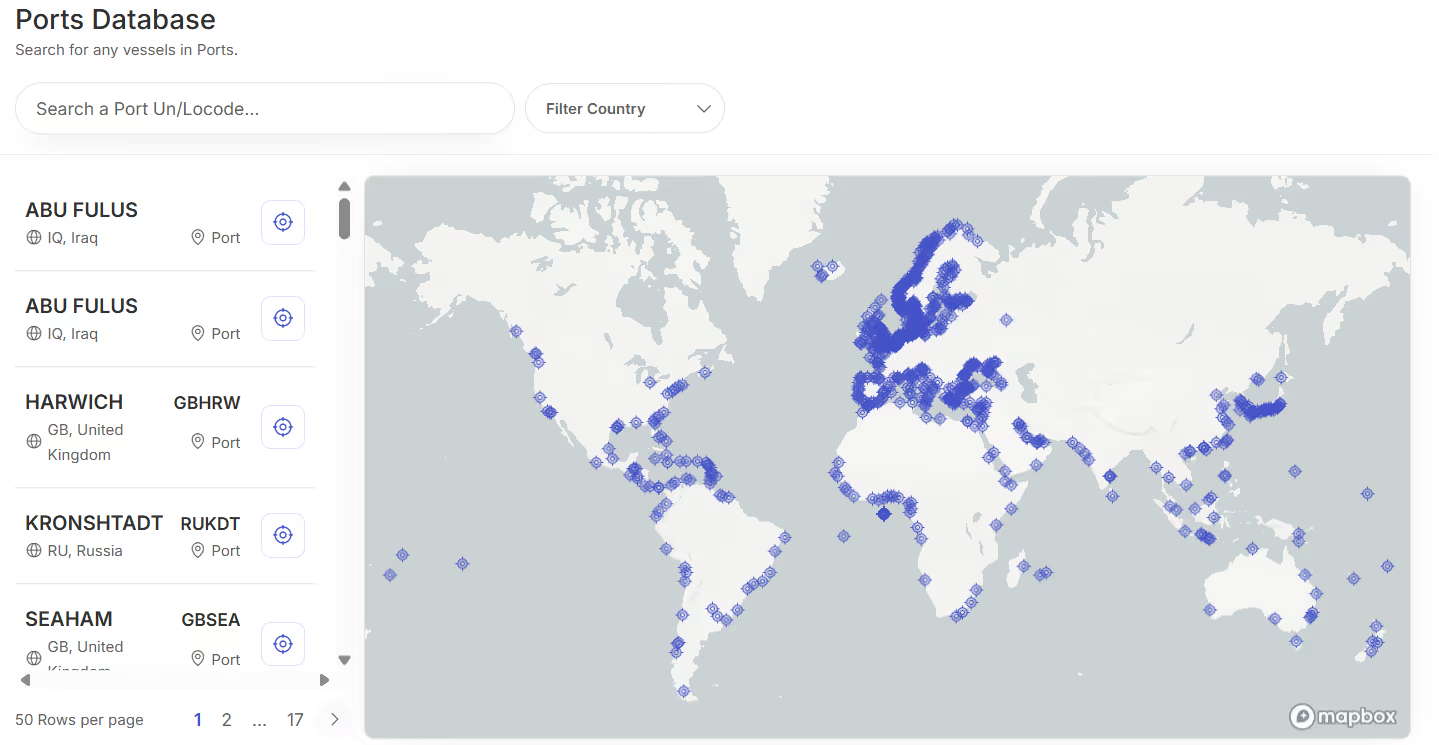
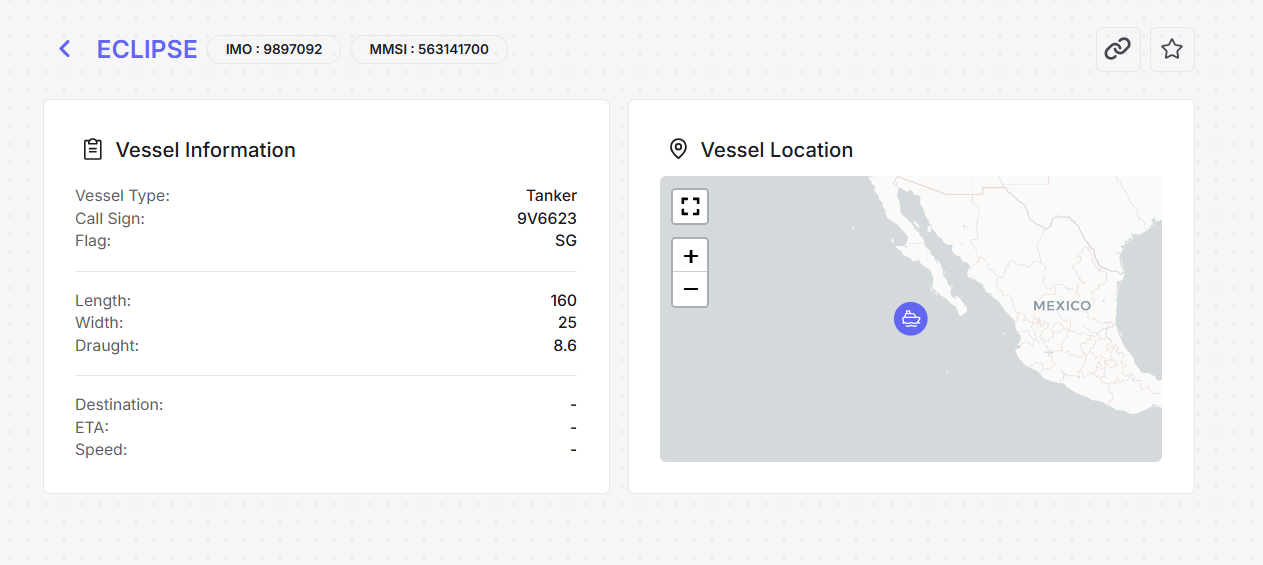
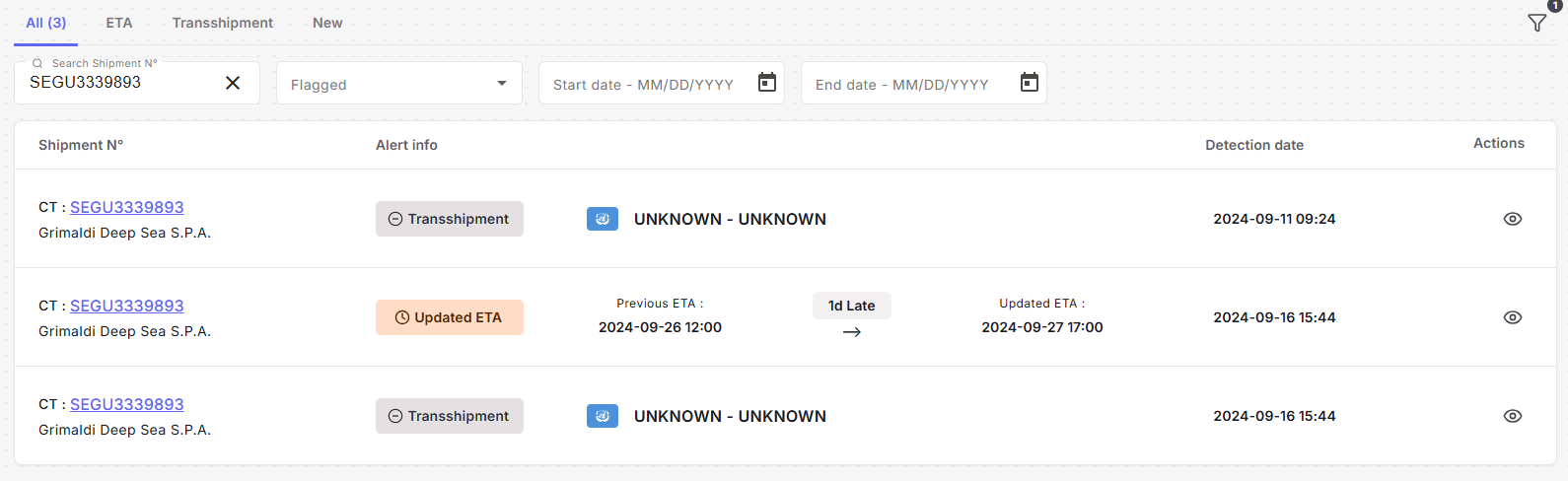
Optimize Voyage Planning
Optimize voyage based on real-time Port Congestion Visibility.
Make informed decisions to reduce waiting times and optimize port calls by accessing current congestion levels and comparing them with historical averages. This helps in reducing unnecessary waiting times caused by not knowing the real-time congestion situation at ports.
Reduce Waiting Times
Plan arrivals during optimal congestion periods
Data-Driven Decisions
Compare congestion with historical averages
APIs
Easy Integration
Integrate in Minutes
Our RESTful API is designed for quick and easy integration into your existing systems. Follow these simple steps:
- Comprehensive Documentation
- Webhook Security
- Error Handling
Input Parameters
Port code
Search by port name or port UNLO code
Vessel Type and Characteristics (Optional)
Specify Vessel Type and characteristics to filter Congestion Status (e.g., cargo, tanker, or roro)
Output Parameters
Real-time congestion status
Percentage of congestion
Comparison with average congestion status Gap with mean
Vessel type congestion (if specified)
Congestion status per vessel type based on known port berthing capacities
Sample Response
{
"port_code": "NLRTM",
"current_congestion": 65,
"average_congestion": 50,
"vessel_type_congestion": {
"container": 80,
"tanker": 45,
"roro": 30
}
}
"port_code": "NLRTM",
"current_congestion": 65,
"average_congestion": 50,
"vessel_type_congestion": {
"container": 80,
"tanker": 45,
"roro": 30
}
}
Ready to optimize your port calls?
Start monitoring port congestion in real-time and make data-driven decisions for your maritime operations.
No credit card required • 14-day free trial • Setup in 5 minutes
What does the Port Congestion API return?
Congestion level, time-in-port statistics and vessel counts for a given port.
Can I query several ports at once?
Yes, up to 10 ports per request through the batch endpoint.
How is congestion measured?
From the port's berth occupation rate compared with its own average, derived from live AIS vessel presence.
How do I identify a port?
By its 5-character UN/LOCODE.